Navy Quick Links 2026: MyNavy Portal & Pak Navy Hub

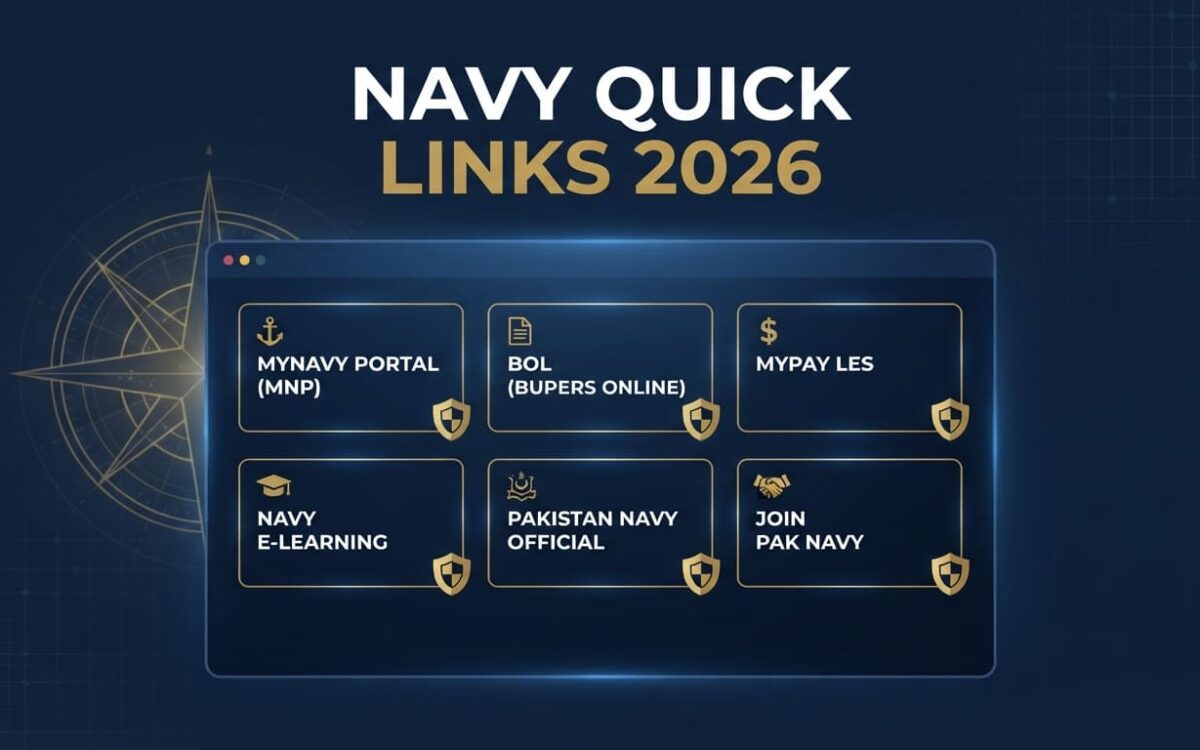
Navy quick links are direct shortcuts to the official portals for career records, pay, training and recruitment. This guide gathers U.S. Navy and Pakistan Navy access points in one place, with fixes for common login problems.
Master Quick-Access Summary Table
| Portal Name | Primary Purpose | Official URL |
|---|---|---|
| MyNavy Portal (MNP) | Central hub for Navy HR services | my.navy.mil |
| BUPERS Online (BOL) | Personnel records and career tools | bol.navy.mil |
| NSIPS | Electronic service record and personnel transactions | nsips.nmci.navy.mil |
| MyPay (LES) | Leave and Earnings Statement, pay changes | mypay.dfas.mil |
| Navy e-Learning | Required online training | learning.nel.navy.mil |
| TWMS | Training and readiness tracking | twms.navy.mil |
| Pakistan Navy Official | News, organization, public information | paknavy.gov.pk |
| Join Pak Navy | Online registration and recruitment | joinpaknavy.gov.pk |
U.S. Navy Quick Links (MyNavy Portal / MNP)
MNP quick links bring most Sailor services under one roof. Bookmark them in the browser you use for CAC logins.
Career & Records (BOL, NSIPS, OMPF)
- BUPERS Online (BOL): Use it for career management tools, orders information and personnel data. It requires CAC login.
- NSIPS login: Use it for your electronic service record and personnel transactions. It requires CAC login.
- OMPF (Official Military Personnel File): Reach it through MyNavy Portal or BOL. Check it regularly for missing documents.
Pay, Leave & Benefits (MyPay, NFAAS)
- MyPay LES: View your monthly Leave and Earnings Statement and update allotments or tax withholding at MyPay. It supports CAC or account login.
- NFAAS: Report status and needs after disasters through the Navy Family portal. Keep your family information current before an emergency.
- MyNavy HR: Find policies, benefits and career resources at mynavyhr.navy.mil. Most pages are public.
Training & Readiness (Navy e-Learning, TWMS, PRIMS)
- Navy e-Learning: Complete required courses and download certificates at Navy e-Learning. It requires CAC login.
- TWMS: Track qualifications, training and command requirements at TWMS. It requires CAC login.
- PRIMS: Check fitness records in the Physical Readiness Information Management System through authorized Navy channels.
Which Portals Need a CAC?
| Portal | CAC/FastPass Required? |
|---|---|
| BOL | Yes |
| NSIPS | Yes |
| Navy e-Learning | Yes |
| TWMS | Yes |
| MyPay | CAC or account login |
| MyNavy HR (public pages) | No |
Important: the 60-day rule. Many Navy systems deactivate accounts after long inactivity. Log in to each CAC-based portal at least once every 60 days to avoid lockouts.
Pakistan Navy Official Quick Links (Join Pak Navy)
Official Website. Visit paknavy.gov.pk for announcements, organization details and public information. Treat it as the trusted starting point for anything Pak Navy related.
Recruitment & Online Registration. Follow these steps on joinpaknavy.gov.pk:
- Open the site and choose your category.
- Enter your CNIC without dashes (for example, 3520112345671).
- Fill in your personal and education details exactly as they appear on your documents.
- Submit the form and note your registration details.
Download Registration Slip (CNIC search). Use the direct registration slip page:
- Enter your 13-digit CNIC without dashes.
- Submit the search and open your record.
- Download and print the Pak Navy registration slip. You will need it for tests and interviews.
Test Results & Merits. Open the results section of Join Pak Navy and search with your CNIC or roll number. Merit lists appear there when released.
Latest Induction Advertisements. Check the official advertisements page for current induction notices. Always confirm eligibility, dates and categories in the advertisement itself.
Scam alert: Pak Navy recruitment does not involve agents or “guaranteed selection” offers. Use only the official .gov.pk domains.
How to Use Navy Quick Links & Fix Common Login Issues
Step-by-Step Usage
- Bookmark the portals you use most.
- Check the address before logging in. U.S. portals end in .mil, and Pakistani portals end in .gov.pk.
- Insert your CAC and select the correct certificate when prompted (U.S. portals).
- Log in regularly to avoid account deactivation.
Troubleshooting Table
| Problem | Likely Cause | Fix |
|---|---|---|
| Page won’t load or loops | Browser cache | Clear cache and cookies, then retry |
| “Certificate not found” | CAC reader or driver issue | Reseat the card, check the reader, update DoD certificates |
| Wrong certificate chosen | Multiple certificates on the card | Select the authentication certificate, not signing or email |
| Site slow or timing out | Heavy traffic or maintenance | Try again off-peak; avoid deadline days |
| Registration page fails (Pak Navy) | Peak registration traffic | Retry early morning or late night on a stable connection |
| Account locked | Inactivity | Contact the helpdesk for reactivation |
Tip: Try a different browser or a private window before assuming a site is down.
Official Help Contacts
U.S. Navy (MyNavy Career Center): Phone: 833-330-6622 (833-330-MNCC). Email: AskMNCC@us.navy.mil. Chat is available through MyNavy Portal. The center is staffed 24/7.
Pakistan Navy Recruitment: Helpline: 051-20062091. Contact details are on the official Pak Navy contact page.
Related reading: [Internal Link: Guide to CAC Reader Setup] · [Internal Link: Government Job Registration Tips]
Frequently Asked Questions (FAQs)
What are MNP quick links?
They are shortcut links on MyNavy Portal that lead to Navy HR, pay, career and training tools.
How do I check my Pak Navy slip online?
Open the registration slip page, enter your CNIC without dashes and download the slip.
Why is MyNavy Portal not opening?
Clear your browser cache, confirm your CAC reader works and try another browser. If it still fails, contact MNCC.
How often should I log in to avoid deactivation?
Log in to your CAC-based portals at least once every 60 days.
Do all Navy portals require a CAC?
No. Public pages such as MyNavy HR don’t. BOL, NSIPS, Navy e-Learning and TWMS do.
Where do I find my MyPay LES?
Log in at MyPay and open your Leave and Earnings Statement.