Introduction to SFM Compile and Its Importance
Creating stunning animations in Source Filmmaker often starts with getting your models right. If you’ve ever downloaded a 3D model only to see it fail to load or appear with weird textures, you’re not alone. That’s where SFM Compile comes in – it’s the key process that makes raw files compatible with the software. At places like SFM Compile Club, you can find inspiring SFMcompile and SFM Compile animation compilations that showcase clean, creative projects. This guide will walk you through everything from basics to advanced tips, helping you avoid common pitfalls and build professional-grade assets.
Understanding What SFM Compile Really Means
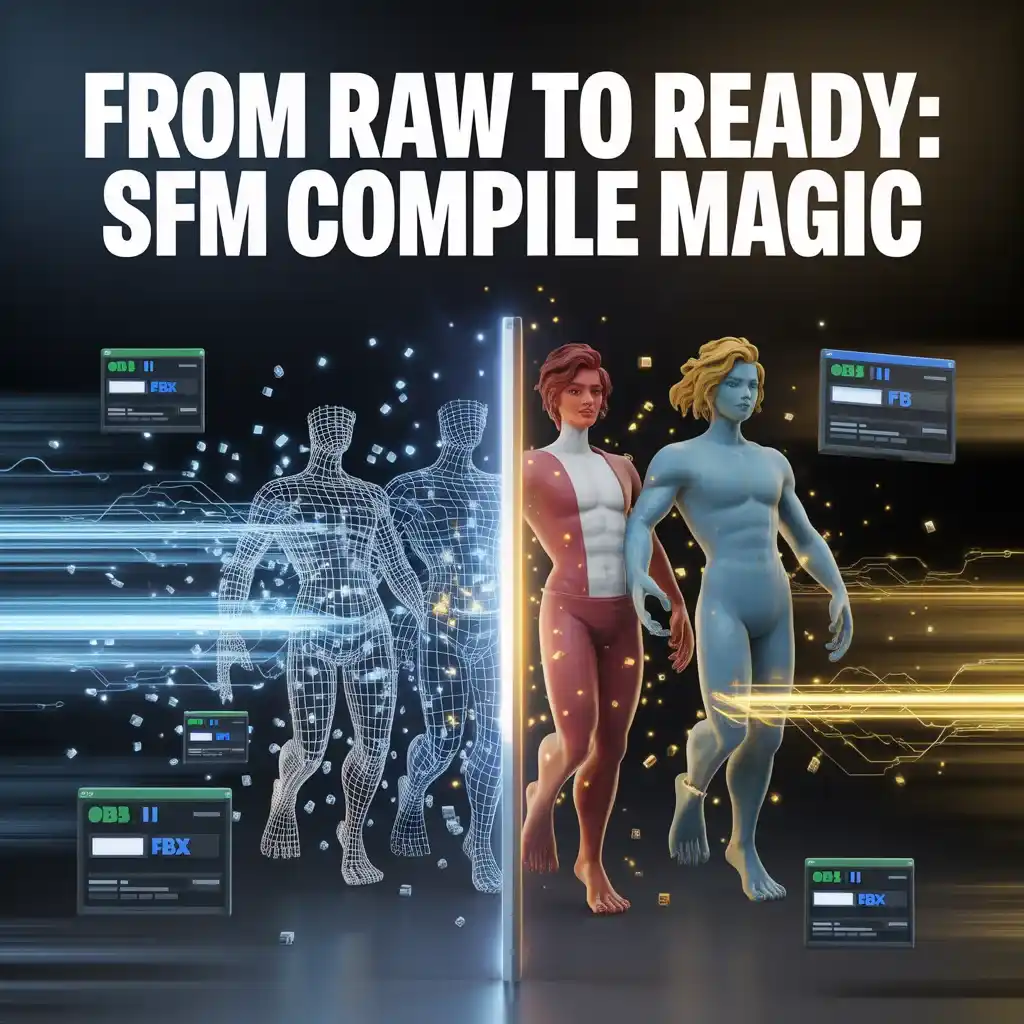
SFM Compile is essentially the transformation of standard 3D model files, such as OBJ or FBX, into the MDL format that Source Filmmaker recognizes. This isn’t just a simple conversion; it packages geometry, textures, bones, physics, and animations into one efficient file. Without it, your models might show up as error-ridden messes or not at all, thanks to the unique requirements of the Source Engine.
Think of it like preparing ingredients for a recipe – you need the right mix to get a perfect result. Raw files from other programs lack the engine-specific data, so compilation adds that metadata for smooth rendering and interaction. Whether you’re porting models from games or creating custom ones, this step ensures everything loads quickly and works as intended.
Essential Tools for Successful SFM Compile
To get started with SFM Compile, you’ll need a few key pieces of software. The core is Valve’s studiomdl.exe, a command-line tool found in the Source SDK bin directory. It’s straightforward for running compilations via terminal commands, processing QC scripts to output MDL files.
For a more user-friendly option, Crowbar offers a graphical interface that handles batch processing and provides real-time feedback, making it ideal for beginners who want to avoid typing commands.
On the creation side, free tools like Blender are popular for modeling due to their robust features and no cost. For editing QC files, something simple like Notepad++ with syntax highlighting helps catch errors early. Don’t forget HLMV for previewing your compiled models – it lets you check bones, textures, and physics before importing into Source Filmmaker.
Step-by-Step Process for SFM Compile
Preparing your assets is crucial. Keep polygon counts under 60,000 for performance, and ensure bone structures align with Source Engine standards. Export meshes and collision models as SMD files, and double-check texture paths to prevent those infamous purple-black checkerboards.
Next, craft your QC file this script is your blueprint. Use commands like $modelname for the output path, $body for the main mesh, and $cdmaterials for textures. Add $sequence for animations and $collisionmodel for physics.
To compile, navigate to the bin folder in a terminal and run studiomdl with your QC path, or use Crowbar for a drag-and-drop experience. Finally, verify in Source Filmmaker by loading the model and testing poses and animations.
SFM Compile Essentials
Here’s a clear breakdown of the main aspects covered in this guide:
- Definition and Purpose: SFM Compile converts raw 3D files into MDL format for compatibility with Source Filmmaker, preventing loading issues and texture errors.
- Required Tools: Includes studiomdl.exe for command-line compilation, Crowbar for GUI-based processing, Blender for modeling, and Notepad++ for QC editing.
- Preparation Steps: Organize files in structured directories, limit polygons, verify paths, and export as SMD.
- QC File Creation: Define properties with commands like $modelname, $body, $sequence, and $collisionmodel.
- Compilation Methods: Use terminal for precision or graphical tools for ease, followed by immediate testing in HLMV and Source Filmmaker.
- Error Handling: Address common problems like missing textures, scale issues, or rigging failures through log checks and QC adjustments.
- Advanced Tips: Implement LODs, facial flexes, batch scripts, and version control for optimized workflows.
Best Practices for Professional SFM Compile
Organization is key – maintain separate folders for models, materials, and scripts to streamline your workflow. Document your setups for future reference, and start with basic models to build confidence before tackling complex ones.
Decompile existing professional assets to learn from them, and use version control to track changes. Regular testing after modifications helps pinpoint issues quickly. These habits turn SFM Compile from a chore into a efficient part of your creative process.
Tackling Common SFM Compile Errors
Errors are inevitable, but they’re fixable. Missing texture paths often cause checkerboard patterns – fix by correcting paths in QC and VMT files. Scale problems might make models invisible; adjust $scale in your QC.
Rigging issues can stop bones from posing correctly, usually due to hierarchy mismatches. Corrupt files might crash the software, so check compiler logs for line-specific clues. Learning terminal basics aids in debugging, and always keep backups of your QC scripts.
Exploring Advanced SFM Compile Techniques
Once comfortable, dive deeper. Add level-of-detail (LOD) systems to optimize for performance in large scenes. Facial flexes allow expressive animations, while custom shaders elevate material quality.
Automate with batch scripts or Python for handling multiple files. These methods require some coding know-how but save significant time on bigger projects, especially when dealing with updates like those for Source 2 features.
Tips to Speed Up Your SFM Compile Workflow
To make things faster, use an SSD for your files to reduce load times. Enable multi-core processing in tools like Crowbar with flags like -numthreads. Create presets for repeated tasks, and batch compile multiple QC files using simple scripts. These tweaks can cut your compilation time dramatically, letting you focus more on creativity.
Conclusion: Get Started with SFM Compile Today
SFM Compile opens up endless possibilities in Source Filmmaker, from custom models to flawless animations. By following these steps prepping files, editing QC, compiling with tools like studiomdl or Crowbar, and troubleshooting errors you’ll create assets that load seamlessly. Head to communities like SFM Compile Club for inspiration, and start with a simple model to build your skills. What’s your first project going to be? Share in the comments and keep compiling!