In an era where our lives are intricately woven into the digital fabric, a simple username can be the key to a vast trove of information. The Whatsmyname app and its associated web tool have emerged as powerful, albeit controversial, instruments for mapping a person’s digital footprint. This comprehensive guide delves into the mechanics, applications, and profound ethical considerations of using such a tool. We will explore how it works, what it reveals about you, and how you can leverage this knowledge for security and privacy.
Understanding the Digital Footprint: More Than Just a Username
Before we examine the app itself, it’s crucial to understand what a “digital footprint” entails. Every time you create an account on a social media platform, a forum, a gaming site, or a comment section, you leave a trace. Often, we reuse usernames across different sites for convenience. This common habit creates a digital breadcrumb trail that can be followed.
Your digital footprint is composed of:
-
Active Data: Content you deliberately share—posts, photos, comments.
-
Passive Data: Information collected without your explicit input—IP addresses, login times, geotags.
-
Username Associations: The links between your chosen alias and the platforms where it’s used.
The What’sMyName app primarily focuses on this last element, aggregating public data tied to a specific username.
What is the What’sMyName App?
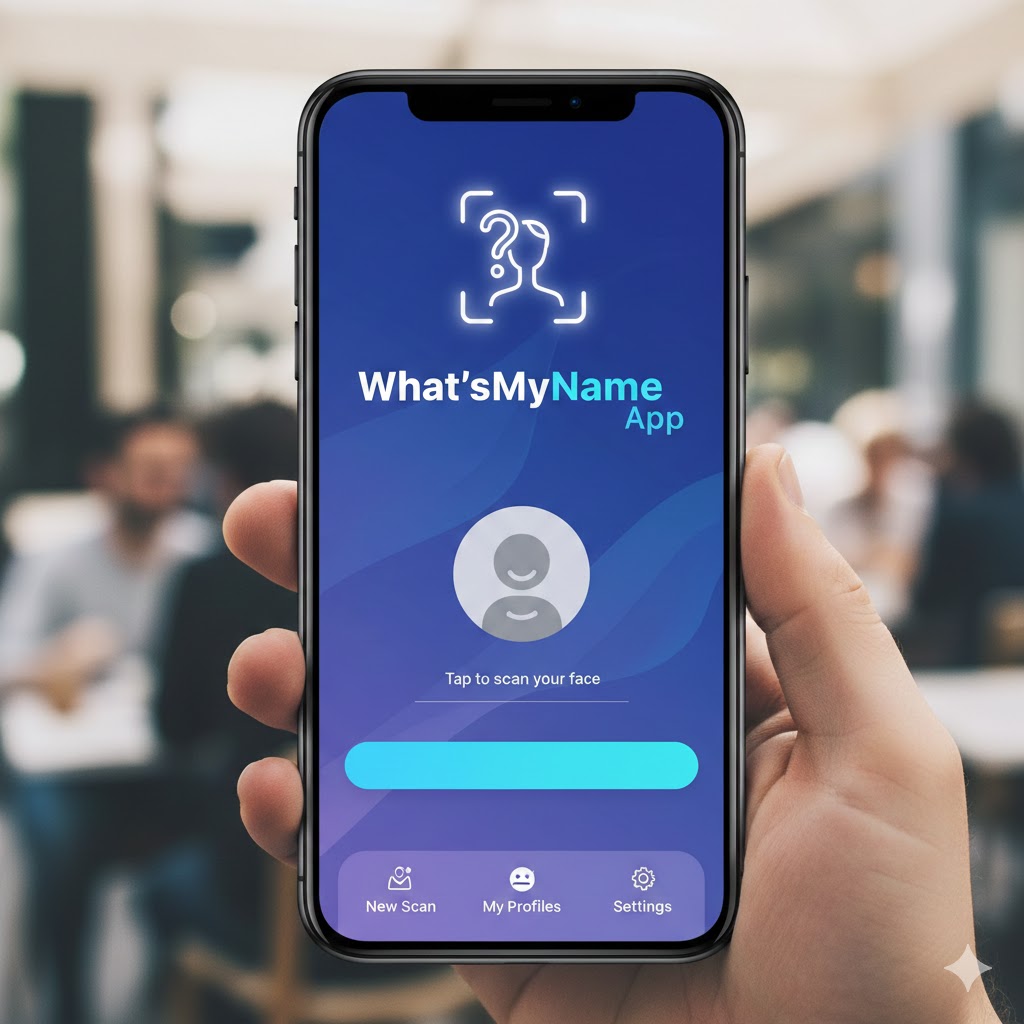
The What’sMyName app is a streamlined mobile interface for the “What’s My Name” open-source intelligence (OSINT) project. Originally a web-based tool, its functionality is now accessible via applications on various platforms. Its core purpose is straightforward: to take a username and search for its presence across hundreds of websites, social networks, and online databases.
Key Characteristics:
-
Aggregator, Not Hacker: The app does not hack or breach systems. It compiles publicly accessible information from known website URLs.
-
Cross-Platform Search: It checks for the username’s existence on sites like Facebook, Instagram, Twitter, GitHub, Reddit, Spotify, and countless niche forums.
-
Instant Report: It generates a list of direct URLs where the username was found, allowing for immediate investigation.
How the What’sMyName App Works: A Technical Overview
The process is deceptively simple from a user’s perspective, but it relies on a robust backend database.
-
Input: You enter a username (e.g., “CyberExplorer23”) into the search bar.
-
Query Execution: The app takes this username and inserts it into predefined URL structures for hundreds of websites. For example, it will generate.
https://twitter.com/CyberExplorer23,https://instagram.com/CyberExplorer23, etc. -
HTTP Request & Response: The tool sends a request to each constructed URL. The response from the website’s server indicates if the profile exists (a “200 OK” HTTP status) or not (a “404 Not Found”).
-
Result Compilation: All positive hits are compiled into a single, easy-to-read list with clickable links.
Primary Uses and Applications: Who Benefits and Why?
The WhatsMyName app is a double-edged sword, with applications ranging from protective to invasive.
Legitimate and Ethical Uses
| Use Case | Description | Beneficiary |
|---|---|---|
| Digital Identity Audit | Individuals search their own usernames to see their public footprint. | Privacy-conscious users and professionals. |
| Parental Monitoring | Parents check the online spread of their child’s username to identify unknown accounts. | Families, guardians. |
| Security & Threat Assessment | Cybersecurity professionals are tracking impersonation accounts or potential threats during an investigation. | Security analysts, corporations. |
| Due Diligence & Vetting | Recruiters or journalists verifying the public online history of a candidate or subject ethically and legally. | HR departments, researchers. |
| Reputation Management | Identifying unauthorized or damaging profiles using your name or brand. | Individuals, public figures, businesses. |
Controversial and Potentially Unethical Uses
-
Stalking and Harassment: Malicious actors can use the tool to aggregate a target’s online presence across platforms.
-
Doxxing: As part of a doxxing campaign, the app can help collect pieces of personal information scattered across sites.
-
Reconnaissance for Social Engineering: Attackers can build a detailed profile of an individual to craft convincing phishing attempts or security question resets.
A Step-by-Step Guide to Using the App (On Yourself)
Conducting a self-audit is the first step towards reclaiming your digital privacy.
-
Download from a Official Source: Ensure you get the app from a legitimate store or the official project repository to avoid malware.
-
Run a Comprehensive Search: Input every username and variant you have ever used. Don’t forget old gamer tags, forum handles, and email address prefixes.
-
Analyze the Results: Click through each returned link. Assess each profile.
-
Is it actually you?
-
Is the information up-to-date?
-
Does it contain sensitive details (location, birth year, family info)?
-
-
Triage and Cleanup:
-
Delete: Remove old, unused accounts.
-
Privatize: Change public profiles to private settings.
-
Update: Edit profiles to remove unnecessary personal data.
-
Consolidate: Consider using more unique, platform-specific usernames.
-
The Hidden Truths It Can Reveal About You
The aggregation power of the What’sMyName app can paint a surprisingly detailed picture. Beyond just listing accounts, it can uncover patterns and truths you may have forgotten or underestimated.
-
The Evolution of Your Identity: From an edgy teenage username on a forgotten forum to your current professional LinkedIn handle, the timeline of your digital persona.
-
Forgotten Connections: That blog you wrote in 2010, the photo-sharing account from a past trip, the niche community where you were active—all can resurface.
-
Platform-Based Behavior: It may reveal a contrasting persona: professional on one platform, highly opinionated on another, anonymous elsewhere.
-
Security Vulnerabilities: Old accounts on sites that have experienced data breaches become a significant risk, especially if you reused passwords.
Ethical Framework and Responsible Use
Using a powerful tool like this demands ethical rigor. The team at Sthint emphasizes that knowledge should be coupled with responsibility.
-
Intent Matters: Always examine your intent. Are you protecting or invading?
-
Legal Compliance: Use complies with the terms of service of platforms and local laws (e.g., computer fraud and abuse acts). For authoritative guidance on cyber ethics, refer to resources from the National Initiative for Cybersecurity Careers and Studies (NICCS).
-
Transparency: When conducting checks on others for legitimate reasons (e.g., vetting a potential business partner), transparency is often the best policy.
-
Data Minimization: Only gather information necessary for your legitimate purpose.
For academic insights into the societal impact of digital footprint aggregation, studies published by institutions like the Stanford Center for Internet and Society provide valuable context.
Protecting Yourself from Username Aggregation Searches
You cannot prevent someone from using the whatsmyname app, but you can minimize what it finds.
-
Avoid Username Reuse: This is the most effective strategy. Use a unique username for every important account.
-
Leverage Password Managers: They can generate and store unique credentials, making unique usernames manageable.
-
Audit Regularly: Schedule a self-search every 6-12 months.
-
Use Alternate Emails: Create separate email addresses for social media, shopping, and professional use to break the linking chain.
-
Check Privacy Settings Religiously: Assume every new account is public by default and adjust settings immediately.
Beyond the App: The Broader OSINT Landscape
The What’sMyName app is one tool in the vast Open-Source Intelligence (OSINT) toolkit. Other methods include:
-
Reverse Image Search: Using a profile picture to find other instances across the web.
-
Data Breach Search Engines: Checking if your email or username appears in known data breaches.
-
Public Record Searches: Accessing legally available government records.
Conclusion: Knowledge as the Foundation of Privacy
The whatsmyname app underscores a fundamental principle of the digital age: privacy is not about having nothing to hide, but about having control over what is found. This tool, in its neutral stance, reflects our own online behaviors to us. The “hidden truths” it uncovers are often fragments of our own past, scattered across the internet.
By proactively auditing your digital footprint, adopting disciplined username hygiene, and understanding the capabilities of such aggregation tools, you transform from a passive subject of data collection to an active manager of your digital identity. The power lies not in the tool itself, but in the informed actions you take after seeing the results. Start with a search on yourself—you might be surprised by the digital shadow you’ve cast, and empowered to reshape it.