In today’s fast-paced digital world, professionals and teams often struggle with fragmented tools that disrupt focus and efficiency. Constantly switching between messaging apps, task managers, calendars, note-taking software, and file storage solutions wastes valuable time and increases frustration. SovApp addresses this challenge head-on by consolidating essential productivity functions into a single, intuitive platform, allowing users to streamline their daily operations without adding more apps to their devices.
SovApp serves as a comprehensive digital hub designed to centralize communication, project management, document handling, and scheduling. It eliminates the need for multiple disconnected tools, creating a cohesive environment that enhances organization and collaboration. Ideal for solo freelancers handling diverse clients, distributed teams managing tight deadlines, or students juggling coursework and group projects, SovApp adapts to various needs with its versatile setup. Its primary goal is to minimize interruptions in workflows, enabling users to concentrate on high-impact activities rather than tool navigation.
Features of SovApp: What Sets It Apart
SovApp stands out with a robust set of integrated tools that work seamlessly together. Here are the main highlights:
Centralized Dashboard Experience
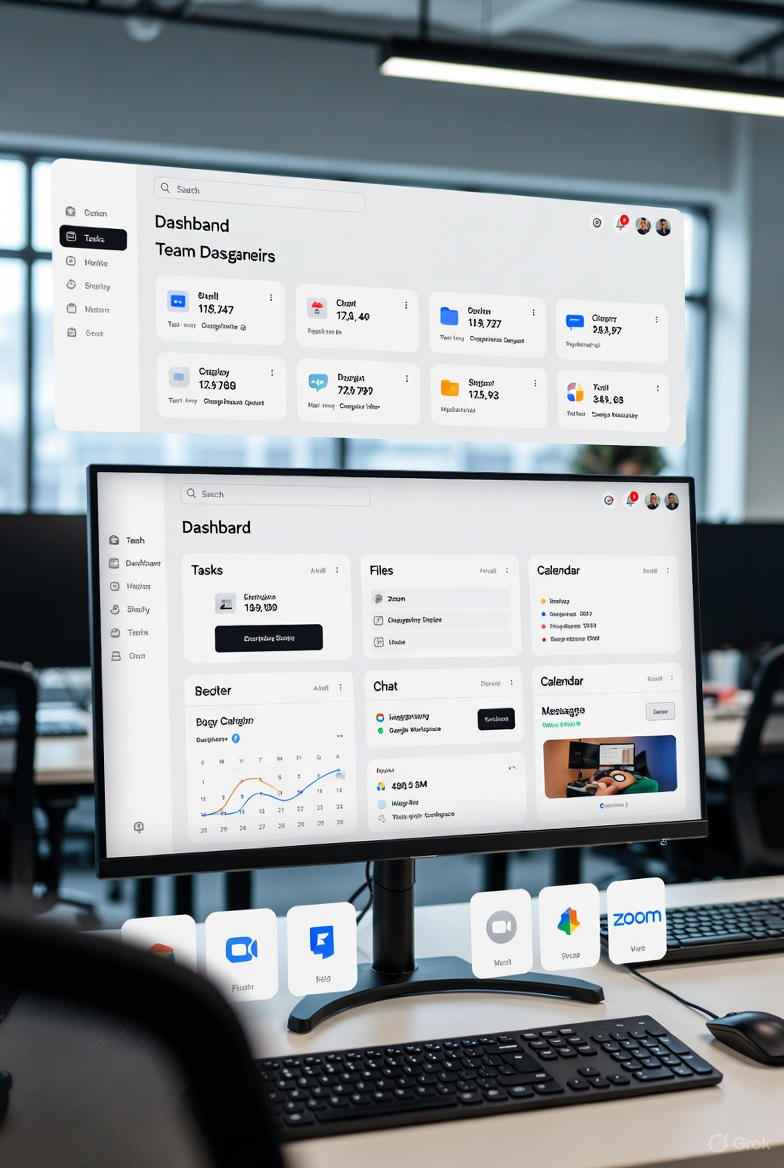
Everything from instant messaging and task lists to shared files, personal notes, and event calendars is accessible from one main screen. This setup prevents the chaos of scattered information across different applications.
Advanced Team Collaboration Tools
Built-in channels support group discussions, real-time document co-editing, task delegation, and progress tracking. All project-related elements conversations, files, and updates—remain organized within dedicated spaces for better team alignment.
Intelligent AI Support with SovBot
The embedded AI assistant, known as SovBot, handles automation efficiently by condensing lengthy threads, proposing optimal scheduling slots, and managing recurring actions to reduce manual effort.
Personalized Layout Options
Through simple drag-and-drop functionality, users can arrange widgets and sections to fit their unique routines, whether prioritizing tasks in the morning or focusing on communications during collaborative sessions.
Seamless Connections to External Services
SovApp integrates smoothly with popular platforms like Google Workspace, Microsoft 365, Zoom for virtual meetings, Slack for messaging, and Dropbox for storage, ensuring data flows without leaving the app.
These core elements make SovApp a powerful choice for enhancing daily productivity.
How SovApp Operates: Intuitive Design Meets Robust Technology
Navigating SovApp feels straightforward and user-friendly from the start. Upon completing the SovApp login, users land on a tailored dashboard displaying current tasks, recent files, scheduled events, and ongoing chats. Creating new project spaces, sharing resources, and working on documents simultaneously happens effortlessly, with live updates ensuring everyone sees the latest changes no more version conflicts from emailed attachments.
SovBot operates discreetly, offering suggestions or automations only when beneficial, such as reorganizing priorities or generating quick summaries.
On the technical side, SovApp relies on secure cloud infrastructure for instant synchronization across devices. Access your workspace consistently from smartphones, desktops, or tablets. Security remains a top focus, featuring full end-to-end encryption for messages, multi-factor verification for logins, and compliance with major data privacy regulations. This makes it reliable for managing confidential information in personal or business contexts.
Why Users Are Choosing SovApp: Real Advantages in Action
Switching to SovApp brings tangible improvements:
- Enhanced Focus and Efficiency: Eliminating app toggling keeps attention on tasks, while AI automation handles mundane steps for faster completion.
- Stronger Group Dynamics: Remote or hybrid teams benefit from unified calendars, instant file sharing, and collaborative editing, fostering better coordination.
- Adaptable to Individual Needs: Customize the interface to match specific habits, avoiding rigid structures imposed by separate tools.
- Reliable Data Protection: Advanced encryption and secure access methods build trust for sensitive work.
- Cross-Device Availability: SovApp supports multiple platforms, including desktop downloads for Windows, macOS, and Linux; native mobile apps for iOS and Android; and direct SovApp APK options for Android sideloading from official sources.
Starting Your Journey with SovApp: Step-by-Step Setup
Getting up and running is quick and hassle-free:
- Account Creation and Login: Head to the official site, register with your details, and use the SovApp login to access your new dashboard.
- App Installation: Download the desktop version for your operating system or the mobile app from app stores.
- APK for Android Flexibility: For manual installs, obtain the secure SovApp APK directly from the trusted official website.
- Dashboard Personalization: Arrange elements with widgets to optimize your view.
- Link External Tools: Add connections to your preferred services for full integration.
- Build Teams: Invite colleagues, set up channels, distribute tasks, and dive into shared editing.
Final Thoughts: Embrace a Simpler, More Effective Digital Routine
As technology advances, it should simplify rather than complicate our lives. SovApp delivers on this promise by combining messaging, task oversight, file management, and planning into one smart, secure system. It shifts the emphasis from managing tools to accomplishing goals, supporting both individual growth and team success.
For anyone seeking reduced distractions, superior collaboration, or a unified digital command center, SovApp provides the right balance of innovation, adaptability, and protection. Take the step toward a more organized workflow—try SovApp today and experience the difference in your productivity.