In today’s digital-first world, documents form the backbone of how we communicate, share, and archive information. Among the many file formats that exist, the Portable Document Format (PDF) stands out as the universal standard for preserving layouts and ensuring compatibility across devices. Yet, managing PDFs converting, editing, merging, or compressing them can often be cumbersome.
This is precisely where emPDF enters the picture. Designed as a fully web-based suite, emPDF is not just another converter; it’s a complete platform built to simplify every aspect of working with PDF files. Whether you’re a student, business professional, or casual user, emPDF offers seamless control over your documents no downloads, no installations, and no technical hassle.
Understanding emPDF: A Full-Service Web PDF Platform
At its core, emPDF operates as a robust online platform offering a comprehensive set of PDF tools accessible directly from any modern web browser. Unlike traditional software that requires installation, emPDF functions entirely in the cloud. This means you can use it from your laptop, tablet, or smartphone, ensuring full flexibility wherever you are.
The platform functions like a digital Swiss Army knife for your document workflow—each feature crafted to tackle a specific PDF task efficiently.
Main Highlights of emPDF
-
PDF Conversion Tools:
One of emPDF’s primary strengths is its ability to handle conversions with precision. Users can convert PDF documents to and from other popular formats like Word (DOCX), Excel (XLSX), PowerPoint (PPTX), and image files (JPG, PNG). The conversions maintain the original formatting, reducing post-editing work. -
File Compression:
Large files often pose issues for sharing or uploading online. emPDF includes a smart compression tool that significantly reduces file size without losing essential quality—ideal for emailing documents or uploading them to cloud storage. -
Merging and Splitting PDFs:
Need to combine several files into one cohesive report? Or perhaps split a lengthy document into smaller sections? emPDF allows users to merge multiple PDFs or split large files into manageable parts with a few clicks. -
PDF Editing and Security Controls:
emPDF enables users to reorder, delete, or insert pages within a document easily. Security features like password protection and redaction provide an extra layer of safety, ensuring sensitive information remains confidential. -
OCR (Optical Character Recognition) Technology:
The built-in OCR feature transforms scanned documents or image-based PDFs into fully searchable and editable text. This function is invaluable for digitizing old records or converting printed materials into editable formats.
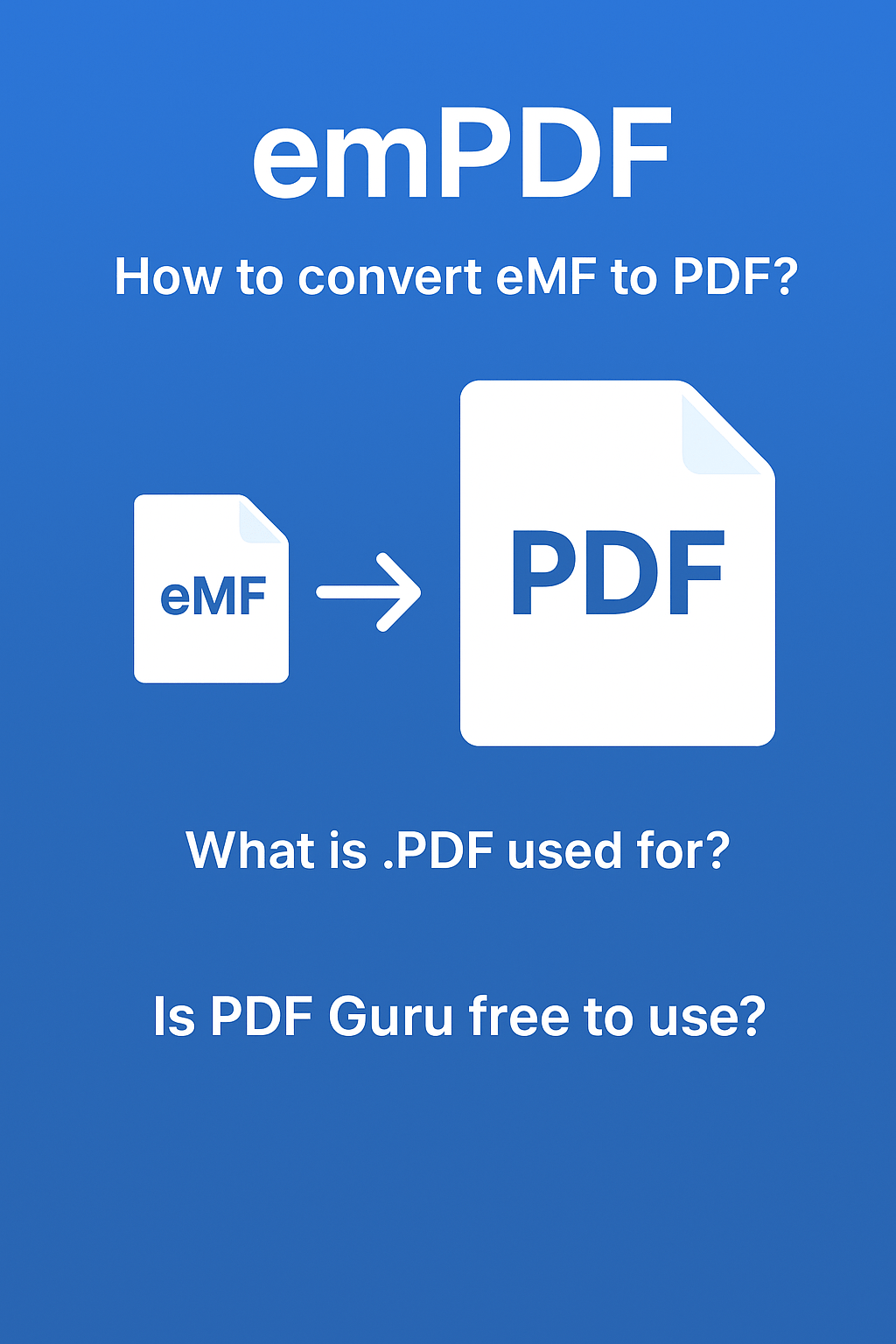
How to Convert eMF to PDF Using emPDF
If you’re handling eMF files (Electronic Media Files) and need to convert them into universally readable PDF format, emPDF makes the process straightforward.
Step-by-step process:
-
Visit the official emPDF website.
-
Choose the Convert to PDF option.
-
Upload your eMF file from your device or cloud storage.
-
Click “Convert” and let emPDF process the file.
-
Download your converted PDF instantly.
Within seconds, your eMF file is transformed into a high-quality, shareable PDF without any installation or technical setup.
What is a .PDF File Used For?
A .PDF (Portable Document Format) is widely used for preserving document formatting and ensuring compatibility across all operating systems and devices. Common uses include:
-
Official Documentation: Reports, invoices, and contracts are often shared as PDFs for professional consistency.
-
Academic and Research Papers: Universities and researchers prefer PDFs for their unalterable layouts and citation stability.
-
Business Communication: From presentations to brochures, PDFs ensure branding elements stay intact.
-
Archiving: Due to their compressed nature and standardized layout, PDFs serve as ideal formats for long-term data preservation.
The reliability of the PDF format lies in its universality it looks identical regardless of where or how it’s viewed.
The emPDF Advantage: Why Users Prefer It
What sets emPDF apart from other online PDF tools is its combination of accessibility, security, and simplicity.
-
Cloud-Based Accessibility:
emPDF eliminates the need for installation or updates. Everything runs directly in your browser, meaning you can process documents from any device, anytime. -
Top-Tier Security:
Since working with documents online can raise privacy concerns, emPDF ensures protection through SSL encryption during transfers. Uploaded files are often deleted automatically from servers after processing, keeping your information safe and private. -
User-Centered Design:
The interface is sleek and intuitive. Users—whether beginners or professionals—can navigate tasks effortlessly. The process is typically as simple as:
Select Tool → Upload File → Process → Download Result.
This approach makes it easier to manage complex tasks like batch conversion or OCR recognition without requiring any technical expertise. -
No Cost Barriers:
While emPDF may offer premium versions for extended features, many of its tools are freely accessible, making it an ideal solution for individuals and businesses looking to streamline workflows affordably.
Is PDF Guru Free to Use?
PDF Guru, another online PDF tool, offers both free and premium services. While users can perform basic conversions or compressions for free, more advanced features like OCR or editing may require a paid plan.
In contrast, emPDF provides a more extensive free toolkit, making it a better option for users who need multiple PDF solutions without hidden paywalls.
Why emPDF is the Future of PDF Management
The modern digital workspace demands agility, simplicity, and reliability—all values emPDF delivers consistently. It consolidates multiple document-related tasks into a single, cohesive platform, eliminating the need for juggling several apps or software.
For professionals handling sensitive data, emPDF’s security framework ensures peace of mind. For teams working remotely, its cloud-based access supports real-time collaboration. For students or freelancers, it provides an easy, free, and effective way to manage projects and submissions.
Key Takeaways
-
emPDF is a web-based PDF management platform that operates entirely in the cloud.
-
Key tools include: Conversion, Compression, Merging/Splitting, Editing/Security, and OCR.
-
Converting eMF to PDF is quick and requires no installation.
-
PDF files are universally used for professional, academic, and archival purposes.
-
emPDF stands out for its accessibility, data protection, and ease of use.
-
PDF Guru offers free tools but with some limitations—emPDF remains the more versatile choice.
In the evolving landscape of document management, emPDF sets a new benchmark for efficiency. It merges reliability, simplicity, and advanced functionality into one platform that eliminates the traditional pain points of working with PDFs.
No more downloading heavy software or dealing with outdated programs just visit the website, upload your file, and complete your task in moments. Whether you need to edit, secure, convert, or compress documents, emPDF brings everything under one digital roof.
In conclusion,
emPDF isn’t just another online PDF converter it’s a comprehensive document management suite that saves time, enhances productivity, and provides a secure environment for handling all your digital paperwork.