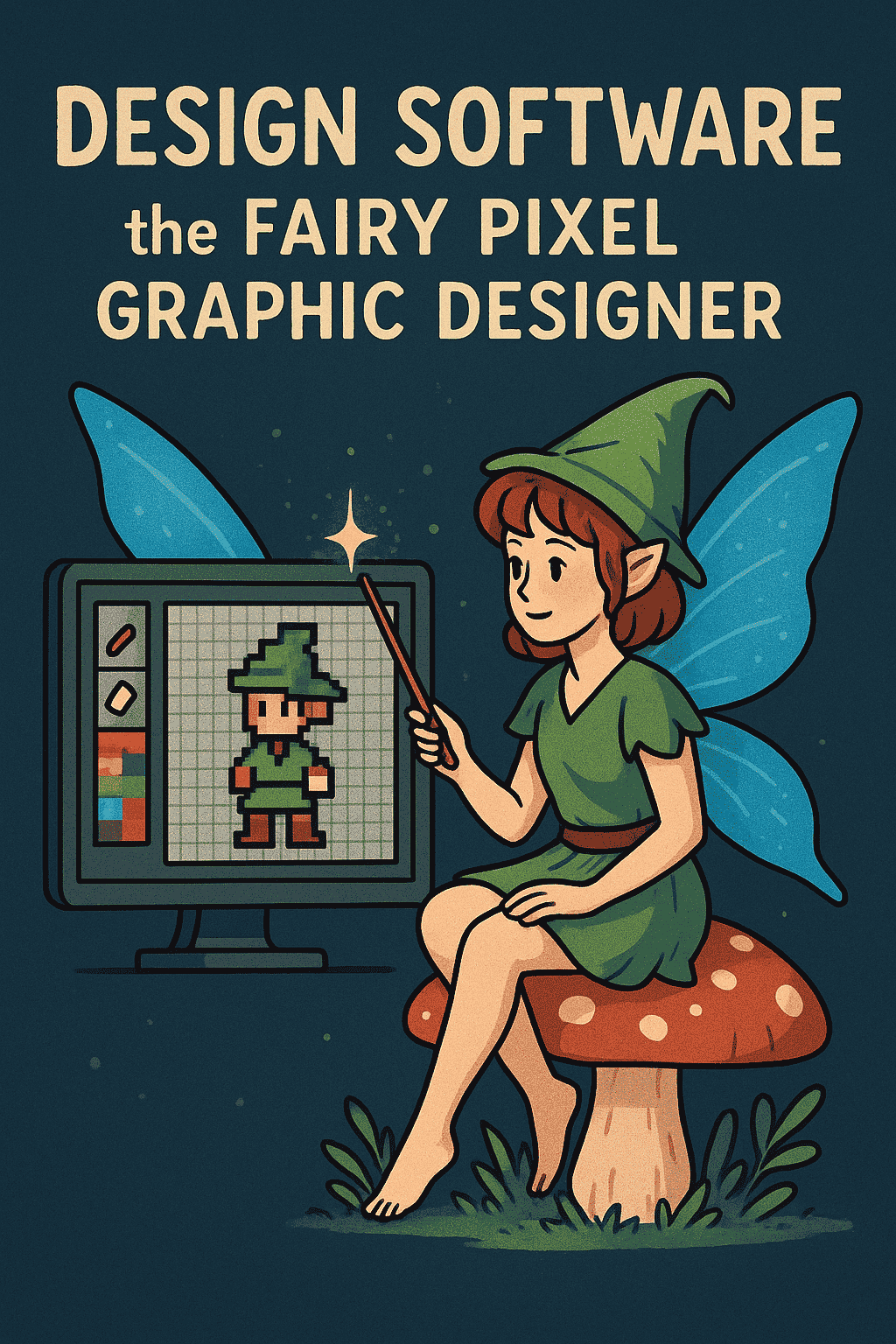
In the enchanting world of digital art, every pixel tells a story. Within this realm lives a special kind of creator the fairy pixel graphic designer. These artists weave magic through tiny details, crafting mesmerizing sprites, game environments, and whimsical animations that transport viewers into pixelated worlds. But just like any spellcaster, these designers rely on a powerful wand: their design software.
The right software doesn’t just make the process easier; it enhances creativity, sharpens precision, and allows imagination to flourish. Whether the goal is to design retro game assets or animated sprites, choosing the right digital tool determines how smoothly that creative magic flows.
This article is your complete guide a grimoire of essential design software every fairy pixel graphic designer should know.
The Quest for the Perfect Tool
Choosing the ideal pixel art software depends on several factors — style, workflow, animation needs, and of course, budget. Some tools are designed solely for pixel art creation, while others offer professional versatility for broader graphic design and illustration tasks.
Below is a categorized look at the best options available today.
The Specialized Enchantment: Tools Built for Pixels
Dedicated pixel art programs are crafted with the needs of pixel artists in mind. From animation timelines to color palette control, these applications are designed for precision and simplicity.
Aseprite: The Crown Jewel of Pixel Creation
Among pixel artists, Aseprite is often considered the ultimate companion. It combines elegance with power, offering a seamless experience for animation and sprite creation.
Why artists love it:
-
Animation Power: Its timeline and onion-skinning tools make frame-by-frame animation intuitive.
-
Pixel-Perfect Tools: Features like non-contiguous fill and perfect line drawing ensure flawless pixel placement.
-
Color Management: Easy palette creation and swapping allow artists to maintain consistent color themes.
Consideration:
Aseprite is a paid program, but its reasonable price makes it a worthwhile investment for serious artists.
GraphicsGale: The Old Guardian Spirit
GraphicsGale has long been a trusted name in the pixel art community. Though its interface appears dated, its core functionality remains impressive.
Why it stands out:
-
Real-Time Animation Preview: Artists can see their sprites come alive instantly.
-
Palette Editing on Canvas: Modify colors directly on-screen for dynamic results.
-
Accessible and Free: Its free version includes nearly all the tools you need for professional work.
Consideration:
It lacks the modern polish of newer tools but makes up for it with reliability and speed.
Pix2D and PyxelEdit: Compact Yet Capable
For designers creating game assets, Pix2D and PyxelEdit offer lightweight, efficient environments.
Pix2D supports both desktop and mobile devices, making it ideal for artists who prefer flexibility.
PyxelEdit, on the other hand, shines with its tile-based approach — perfect for game level design.
The Versatile Grimoires: Multi-Purpose Professional Software
Some fairy pixel graphic designers require tools that stretch beyond the world of pixels. These professional programs combine pixel art capabilities with advanced design and illustration features.
Adobe Photoshop: The Archmage’s Toolkit
For decades, Adobe Photoshop has reigned as the king of digital creation. While not built exclusively for pixel art, its versatility makes it indispensable for many artists.
Why it’s magical:
-
Unlimited Versatility: Perfect for pixel art, photo editing, and large-scale design.
-
Customization: With gridlines and the pencil tool, artists can achieve pixel-level accuracy.
-
Professional Output: Its wide file compatibility supports virtually every format needed in professional design.
Consideration:
Photoshop is expensive and can feel overwhelming due to its vast feature set. Still, for artists working across disciplines, it’s an unbeatable choice.
Clip Studio Paint: The Storyteller’s Canvas
Originally loved by comic and manga artists, Clip Studio Paint (CSP) is now a top choice for digital illustrators and animators including pixel artists.
Why it’s ideal for pixel art:
-
Smooth Brush Engine: Offers exceptional control and fluidity, even for tiny pixel details.
-
Animation Tools: CSP PRO includes frame-by-frame animation capabilities.
-
Asset Management: Access to shared brushes, textures, and 3D models enhances workflow efficiency.
Consideration:
While not a pixel-specific program, its flexibility and animation features make it suitable for mixed-media projects.
Affinity Designer & Krita: Affordable Powerhouses
For artists seeking professional tools without the cost of an Adobe subscription, Affinity Designer and Krita are excellent alternatives.
-
Affinity Designer offers a clean interface and robust vector and raster support — perfect for UI and sprite work.
-
Krita, being open-source, provides a powerful painting engine, brushes, and layer management ideal for both painters and pixel artists.
The Portable Magic: Free and Mobile Options
Inspiration often strikes away from the studio. For artists who prefer sketching on the move or those just starting out, there are excellent free and mobile options.
Procreate (for iPad): The Dreamer’s Sketchbook
Procreate transforms the iPad into a creative powerhouse. Although not built for pixel art, it’s excellent for concept sketches and early-stage designs.
Why artists use it:
-
Natural Drawing Feel: Intuitive touch and Apple Pencil support create an authentic drawing experience.
-
Ideal for Brainstorming: Great for creating rough drafts and color explorations.
-
Pixel Work Possible: Small canvas sizes and hard-edged brushes allow simple pixel creations.
Consideration:
Lacks pixel-specific features like palette indexing, but perfect for conceptual art on the go.
LibreSprite & GIMP: The Community’s Gift
For those who prefer free and open-source tools:
-
LibreSprite is a community-driven fork of an older Aseprite version. It retains essential pixel tools, ideal for learners or hobbyists.
-
GIMP offers a comprehensive set of features similar to Photoshop, including layers, transparency, and detailed control though it requires setup for efficient pixel art creation.
Choosing Your Digital Wand
Selecting the right design software for the fairy pixel graphic designer depends on what kind of magic you wish to perform:
-
For Animation Purists: Aseprite remains unmatched.
-
For Professional Versatility: Photoshop or Clip Studio Paint are your best bets.
-
For Beginners on a Budget: Start with GraphicsGale or LibreSprite.
-
For Mobile Artists: Use Procreate to capture inspiration wherever you are.
Ultimately, no software can replace the creativity and imagination of the artist. The real magic lies within the creator in how they transform pixels into emotion, story, and wonder.
The software is merely the wand. You, the fairy pixel designer, are the one who brings the enchantment to life. Experiment, explore, and let your imagination define your craft. Your next masterpiece awaits one pixel at a time.
Conclusion
In the luminous world of pixel art, creativity and technology intertwine like threads in a magical tapestry. Every fairy pixel graphic designer knows that behind every glowing sprite, vivid landscape, and charming character lies not just imagination, but also the right digital tool to bring that vision to life.
Whether you wield Aseprite for its animation mastery, Photoshop for its professional versatility, or Clip Studio Paint for its storytelling power, your choice of software shapes your creative journey. Free options like LibreSprite, Krita, or GraphicsGale remind us that great art doesn’t always require expensive tools only passion, patience, and practice.
Ultimately, the best design software isn’t just the one with the most features; it’s the one that feels like an extension of your hand — intuitive, inspiring, and aligned with your unique artistic rhythm. Each click, brushstroke, and pixel becomes a spell in your artistic spellbook, turning blank canvases into stories brimming with color and life.