Introduction:
When it comes to building multiboot USB drives, E2B_PTN2 has long been a favorite among advanced users. It’s not just a standalone application—it’s part of the Easy2Boot system, designed to help users boot multiple operating systems, utilities, and installation tools from a single USB stick. The “PTN2” format refers to a specific type of partition image that allows seamless switching between operating systems without constantly reformatting or rebuilding the USB drive.
This makes E2B_PTN2 invaluable for IT professionals, system administrators, and tech enthusiasts who frequently test or install different operating systems. However, its complexity can be intimidating for beginners. Fortunately, there are modern, user-friendly alternatives that achieve similar results with fewer steps.
What Makes E2B_PTN2 Special?
E2B_PTN2 provides users with unmatched control and flexibility. It allows the creation of multiple partitions and supports various file formats—perfect for scenarios where you need both Windows and Linux installers, antivirus recovery tools, or disk cloning utilities on one device.
Unlike many USB boot tools, Easy2Boot with E2B_PTN2 lets you convert ISO files into .imgPTN2 format and then switch between them dynamically. This makes it possible to simulate a full OS installation environment directly from your USB drive.
While powerful, this approach requires manual setup, ISO conversion, and some technical understanding of partition structures hence the growing popularity of easier alternatives like Ventoy, YUMI, and Rufus.
Top Alternatives to E2B_PTN2
1. Ventoy – The Simplest Modern Solution
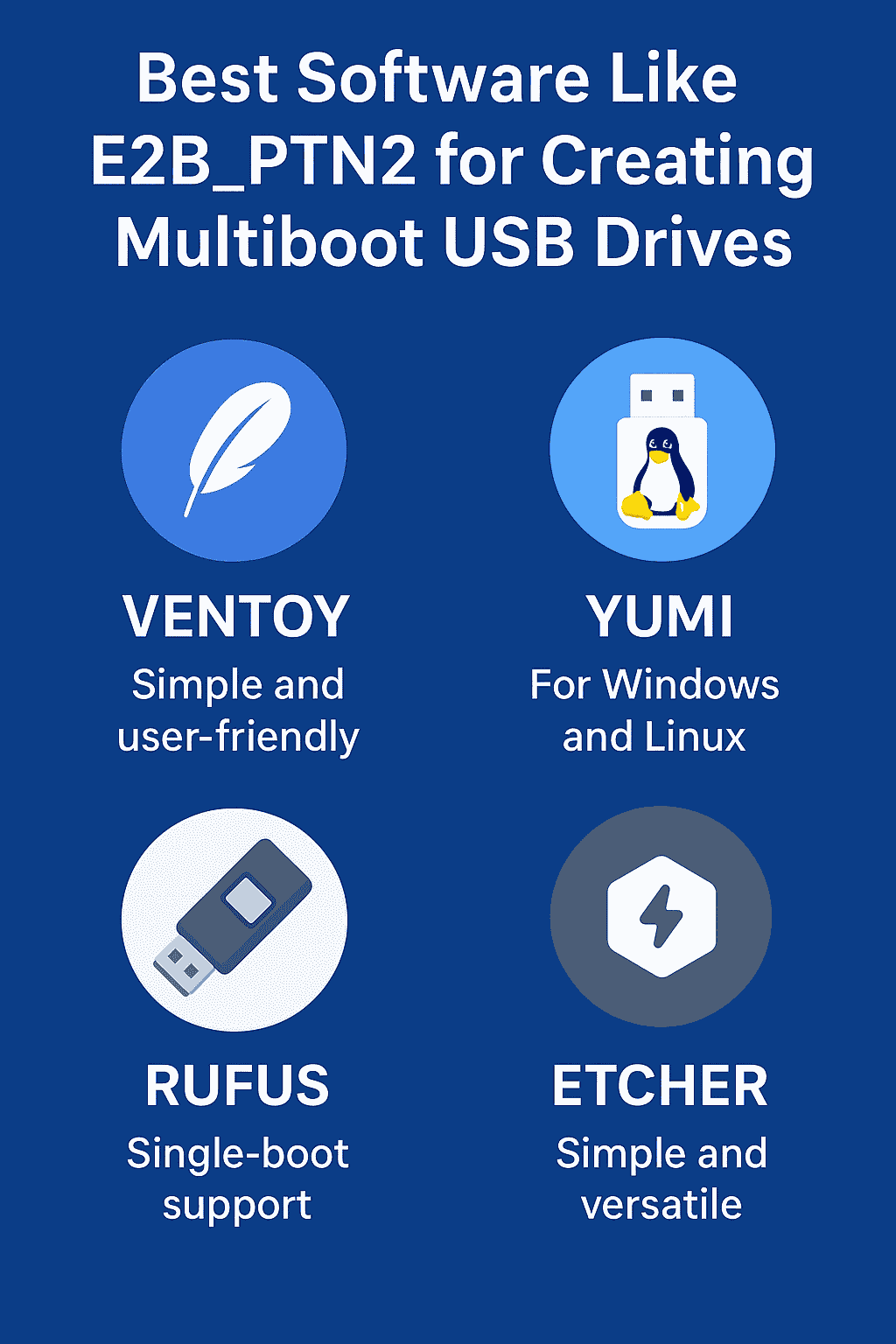
Ventoy is often cited as the best modern alternative to E2B_PTN2. Instead of converting ISO files into special formats, users only need to install the Ventoy bootloader once on their USB drive. From there, simply copy your ISO files directly to the USB—Ventoy automatically detects and lists them during boot.
Key Features of Ventoy:
-
No need for ISO conversion or extraction.
-
Compatible with both Legacy BIOS and UEFI systems.
-
Supports Secure Boot with optional configuration.
-
Works on Windows, Linux, and macOS.
-
Offers persistence for Linux distributions.
Why It’s Popular: Ventoy’s simplicity and modern design make it an excellent choice for both beginners and professionals. It’s fast, open-source, and supports a wide range of ISO types without modification.
2. YUMI (Your Universal Multiboot Installer)
YUMI has been a go-to tool for users who want to create multiboot USBs featuring both Windows and Linux systems. It uses a menu-driven interface that lets you select and install various operating systems, utilities, and antivirus recovery tools onto the same drive.
The newer versions of YUMI support the exFAT file system, which allows users to include files larger than 4GB ideal for newer Windows installers.
Key Features of YUMI:
-
Supports both UEFI and Legacy BIOS modes.
-
Works well for Linux distributions and rescue tools.
-
Simple graphical interface suitable for beginners.
-
Multi-boot menu lets users choose OS or tool at startup.
Why It’s Useful: YUMI is more structured than Ventoy, guiding users step-by-step. It’s a practical solution for those who want control but without the steep learning curve of Easy2Boot.
3. Rufus – Reliable and Fast for Single Boot USBs
While not a multiboot tool, Rufus is one of the most dependable options for creating single-purpose bootable USB drives. It’s lightweight, fast, and supports a broad range of ISOs.
Key Features of Rufus:
-
Excellent compatibility with Windows installers and live Linux ISOs.
-
Supports both UEFI and MBR partition schemes.
-
Frequently updated and extremely stable.
-
Portable version available for on-the-go use.
Ideal Use Case: Rufus is perfect when you only need one OS on a USB drive—such as for Windows installations or firmware updates.
4. Universal USB Installer and Etcher
Both Universal USB Installer and balenaEtcher are general-purpose tools for creating live USB drives.
-
Universal USB Installer is great for quickly setting up Linux live USBs and supports a range of Windows-based tools.
-
Etcher is an open-source solution that emphasizes simplicity, allowing you to flash images in just a few clicks on any major operating system.
Comparison: E2B_PTN2 vs. Alternatives
| Feature | E2B_PTN2 (Easy2Boot) | Ventoy | YUMI | Rufus | Etcher |
|---|---|---|---|---|---|
| ISO Conversion Needed | Yes (.imgPTN2) | No | Yes (menu-based) | No | No |
| Multiboot Support | Excellent | Excellent | Good | No | No |
| UEFI Support | Yes (with agFM/Ventoy) | Yes | Yes | Yes | Yes |
| Secure Boot | Advanced setup | Supported | Partial | Supported | No |
| Difficulty Level | High | Low | Low | Very Low | Very Low |
| Customization | Extensive | Moderate | Limited | Minimal | None |
Step-by-Step: Create a Multiboot USB with Ventoy
-
Download Ventoy from its official website.
-
Extract and run the “Ventoy2Disk” installer.
-
Insert your USB drive and select it from the list.
-
Click Install to format and install the Ventoy bootloader.
-
Once completed, copy your ISO files directly to the USB.
-
Restart your PC, boot from USB, and select an ISO from the Ventoy menu.
No complex setup or partition swapping required—Ventoy handles it automatically.
When E2B_PTN2 Still Stands Out
Despite the newer options, E2B_PTN2 remains unmatched for advanced users. It excels in:
-
Multi-partition simulations and full OS environments.
-
Automated Windows installations using custom XML files.
-
Secure Boot workflows in enterprise setups.
-
Advanced customization, menu theming, and scripting.
For IT technicians or digital forensics experts, Easy2Boot with E2B_PTN2 provides power and precision that no other tool offers.
Pros and Cons Summary
Pros of E2B_PTN2:
-
Highly customizable and versatile.
-
Supports a large variety of file formats.
-
Handles multiple OS environments effectively.
Cons:
-
Requires technical knowledge.
-
Setup and ISO conversion can be time-consuming.
Pros of Ventoy:
-
No ISO conversion.
-
Beginner-friendly and open-source.
-
Works across all major platforms.
Cons:
-
Limited customization for boot menus and partitions.
Troubleshooting Tips
-
USB not booting: Disable Secure Boot or use agFM plugin for Easy2Boot.
-
ISO missing in menu: Verify ISO file name and compatibility.
-
Partition image won’t load (E2B_PTN2): Ensure correct MPI Toolkit configuration.
-
Antivirus warnings: Always download tools from official sources to avoid false positives.
Conclusion: Choosing the Right Tool
The best software like E2B_PTN2 depends on your technical comfort and purpose:
-
For maximum control and advanced features, stick with Easy2Boot + E2B_PTN2.
-
For simplicity and speed, Ventoy is unbeatable.
-
For a balance of structure and usability, YUMI is an excellent middle ground.
Each of these tools can help you create powerful, versatile USB drives for testing, recovery, or installation purposes. Whether you’re a tech professional or casual user, there’s a solution that fits your workflow perfectly.